
Using on Linux
Download Adder binary
Section titled “Download Adder binary”You can download the latest Adder release from the https://github.com/blinklabs-io/adder/releases page.
We will download the Adder binary by running the following command. ⚠️ Adjust download link to the most current version.
wget -c https://github.com/blinklabs-io/adder/releases/download/v0.30.1/adder-v0.30.1-linux-amd64.tar.gz -O - | tar -xzRun Adder with Filters and Commands
Section titled “Run Adder with Filters and Commands”Now we can run Adder ./adder with filters and commands. For example you can get a list of all available commandline arguments by using the -h/-help flag.
./adder -h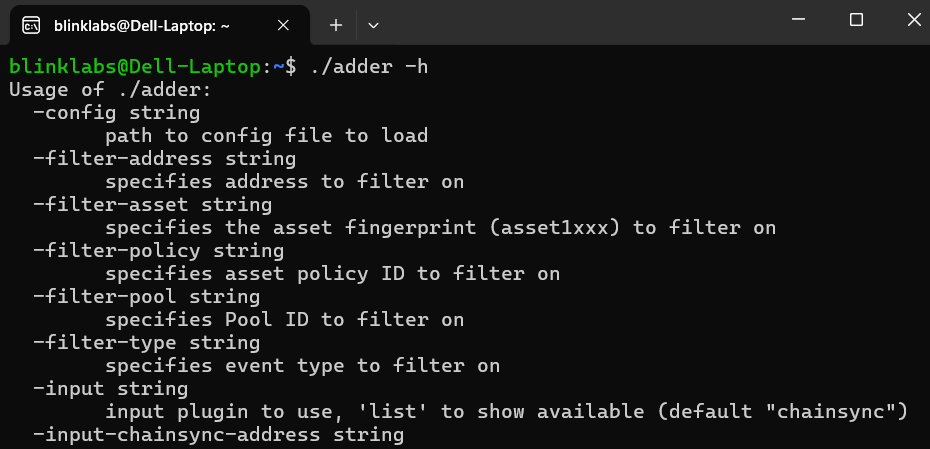
Congratulations!
Section titled “Congratulations!”Now we are ready to run Adder with filters and commands so we can track certain information and pick the way we are notified.
We are now ready to walk through some examples on the usefulness and power 💪 of Adder!