
Quick Start Guide
A programmatic Cardano wallet, written in Go, which exposes an API, CLI, and library interface, allowing developers to easily integrate wallet functionality.
Download the appropriate CLI binary or archive, or the platform installer for the selected operating system, from blinklabs.io. Then run Bursa from the command line or API.
To get started follow the steps below
⚠️ This guide assumes typical Linux setup. Please adjust commands and paths as needed.
Step 1 - Download a CLI binary or a platform installer from Blinklabs
Section titled “Step 1 - Download a CLI binary or a platform installer from Blinklabs”Step 1-A - First start by going to https://blinklabs.io/projects-open-source and scroll down to Bursa.
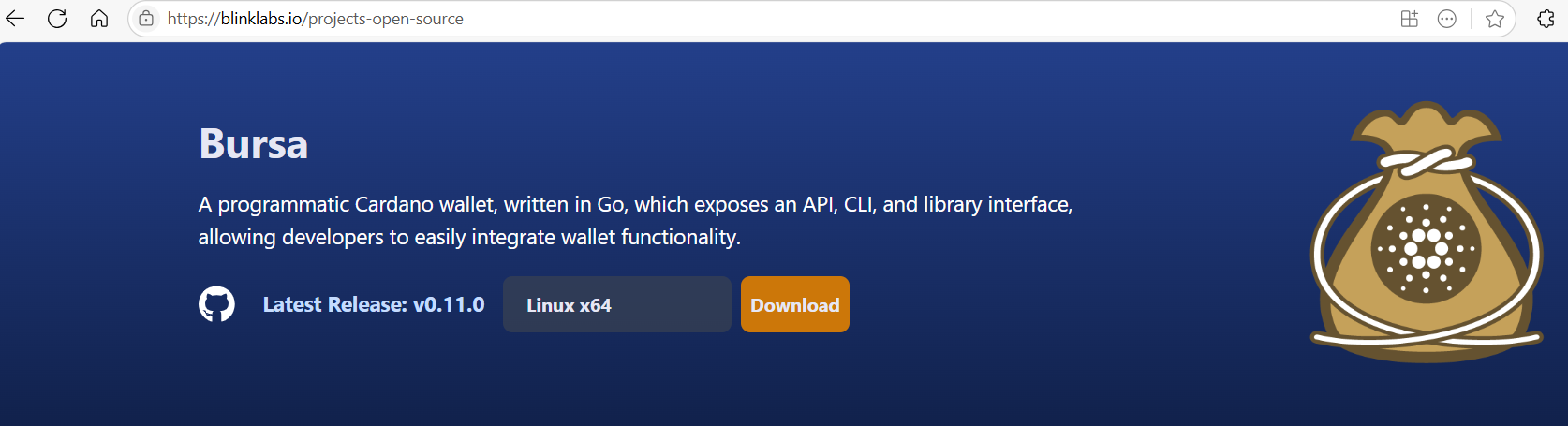
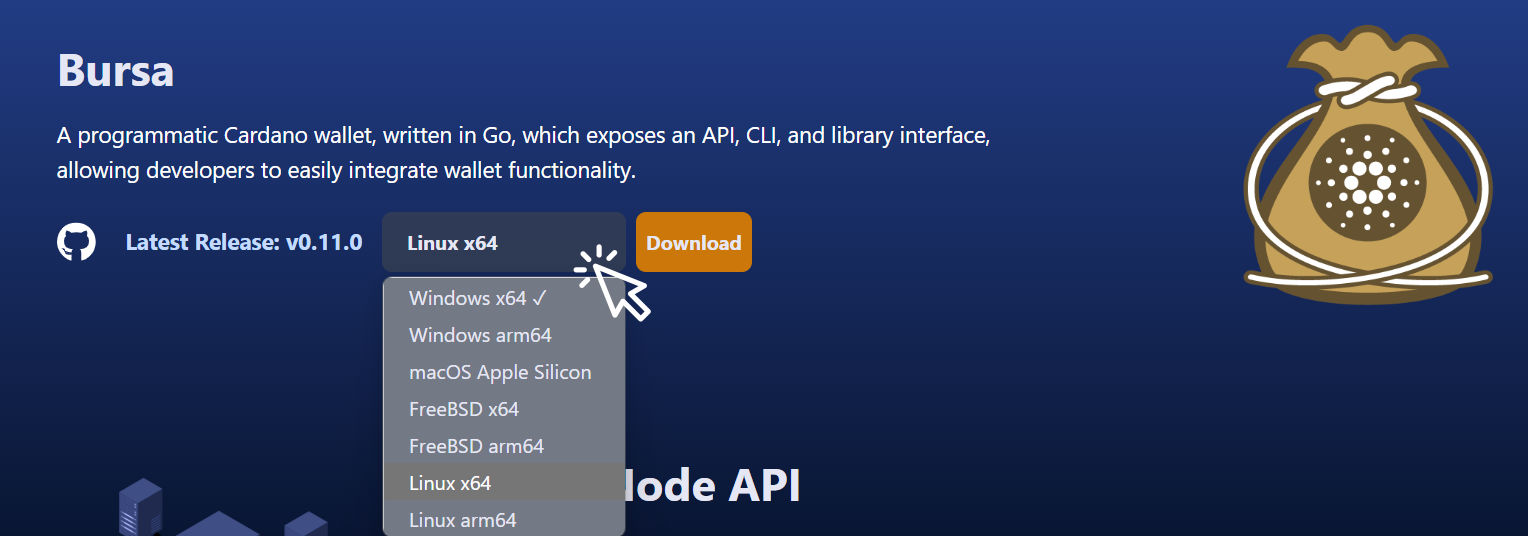
Step 1-B - Select the operating system that you want to use to run Bursa.
Step 1-C - For a CLI download, download the binary or archive file and move it to the preferred location. For the desktop wallet, download the platform installer.
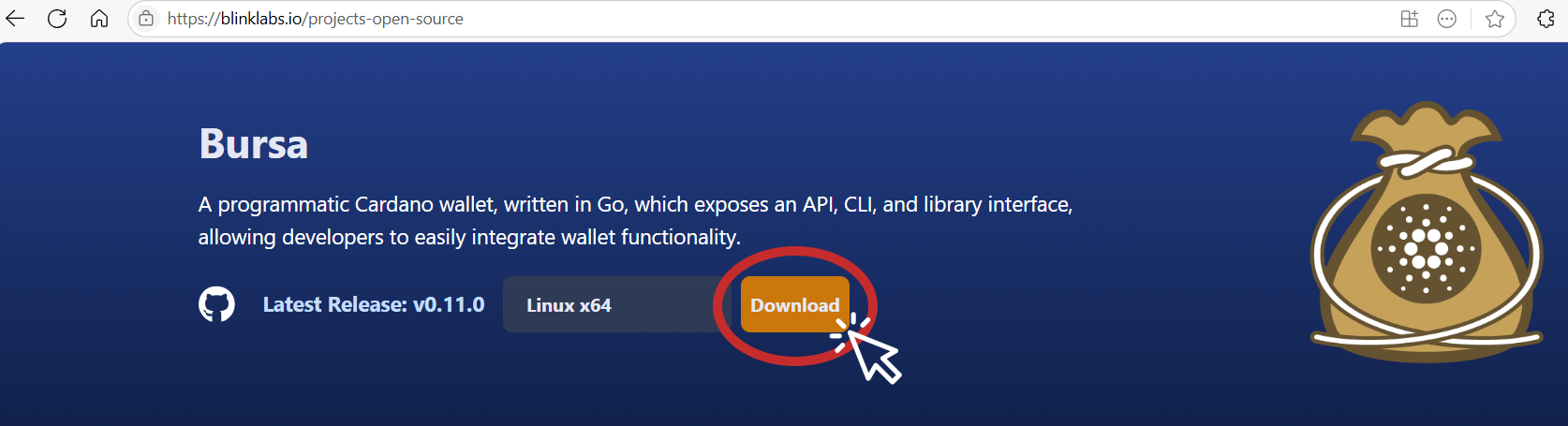
For Linux or FreeBSD CLI archive downloads, copy the path from Blinklabs and run the following commands to download and extract the archive.
⚠️ Adjust the link path to the correct path for the version you want to download.
💡 Tip: You can download the latest Bursa release from the https://github.com/blinklabs-io/bursa/releases page.
wget -O bursa-v0.15.0-linux-amd64.tar.gz https://github.com/blinklabs-io/bursa/releases/download/v0.15.0/bursa-v0.15.0-linux-amd64.tar.gztar xzf bursa-v0.15.0-linux-amd64.tar.gzLinux and FreeBSD CLI downloads use per-architecture .tar.gz archives. Windows CLI downloads remain .exe files. The official Windows desktop wallet release provides a signed, architecture-specific .msi installer. The installer can include the WebView2 Evergreen bootstrapper only when the release includes the optional bundle and the runtime is missing. macOS CLI downloads remain .zip files. The official macOS desktop wallet release provides a notarized, architecture-specific .pkg installer.
See the full-node wallet guide for platform wallet installation, source builds, and troubleshooting.
Step 2 - Change Permissions for a Linux or FreeBSD CLI Binary
Section titled “Step 2 - Change Permissions for a Linux or FreeBSD CLI Binary”After extracting a Linux or FreeBSD CLI archive, make the bursa binary executable with the following command:
⚠️ Adjust the file path and file name if needed.
Windows .msi and macOS .pkg users should use the platform installer. Do not extract those installer files or run chmod on them.
chmod +x bursaStep 3 - Use the API locally or configure remote access
Section titled “Step 3 - Use the API locally or configure remote access”The API listens on 127.0.0.1:8080 by default. Local clients can connect through localhost:8080 without a firewall rule. To permit remote access, set api.address in YAML or API_LISTEN_ADDRESS, and apply the required TLS and bearer authentication protections in the configuration reference.
Congratulations you are ready to start using Bursa!
Section titled “Congratulations you are ready to start using Bursa!”We can now use the command line to create a Cardano wallet and output all the files we will need to manage the wallet. We can also start the API and access the API Swagger documentation.
Bursa can also be used to generate multi-signature scripts, hashes, keys, including keys and certificates needed to run a Cardano stake pool.
Learn more about how to use Bursa with the command line and useful commands that you can run.

Docs authored by Doc Holiday