
Command Line Guide
We can now use the command line to create a Cardano wallet and output all the files we will need to manage the wallet. We can also start the API and access the API Swagger documentation.
Bursa can also be used to generate multi-signature scripts, hashes, keys, including keys and certificates needed to run a Cardano stake pool.
There are currently 8 categories of commands that Bursa can run which makes it a power tool for Cardano users.
Bursa Command Categories
- wallet - Commands for generating wallet and the files needed to manage a Cardano wallet
- api - Commands for running API
- kes-agent - Commands for running the KES agent daemon for a Cardano block producer
- cert - Commands for generating various Cardano certificates
- hash - Commands for generating cryptographic hashes used in Cardano
- script - Commands for multi-signature operations
- address - Commands for working with Cardano addresses
- key - Commands for deriving individual keys from a mnemonic
Use Command Line to Create a Wallet and Output Wallet Files
Section titled “Use Command Line to Create a Wallet and Output Wallet Files”We can use the command line to create a wallet and output all the files we will need to manage our Cardano wallet.
✅ For this example we create the wallet files to the dev folder by using the --output flag and giving it a directory to output to.
./bursa wallet create --output dev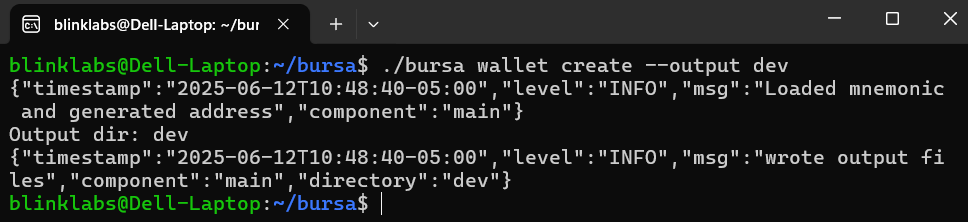
Now we will have all the wallet files in our dev directory.

Use Command Line to Start API
Section titled “Use Command Line to Start API”If we want to use the API we can use the command line to start it, by running the following command.
./bursa api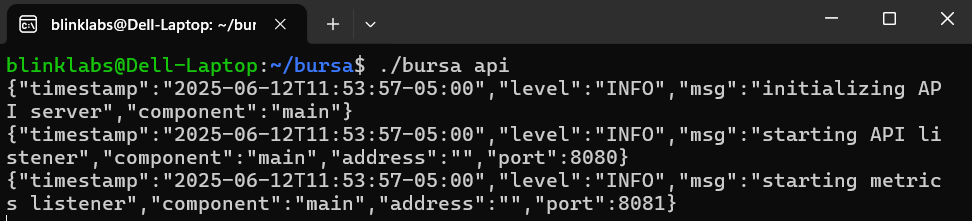
Access API Swagger Documentation
Section titled “Access API Swagger Documentation”You can check the Bursa API by going to your IP:port/swagger/index.html. Please adjust the IP and your port if needed.
http://localhost:8080/swagger/index.html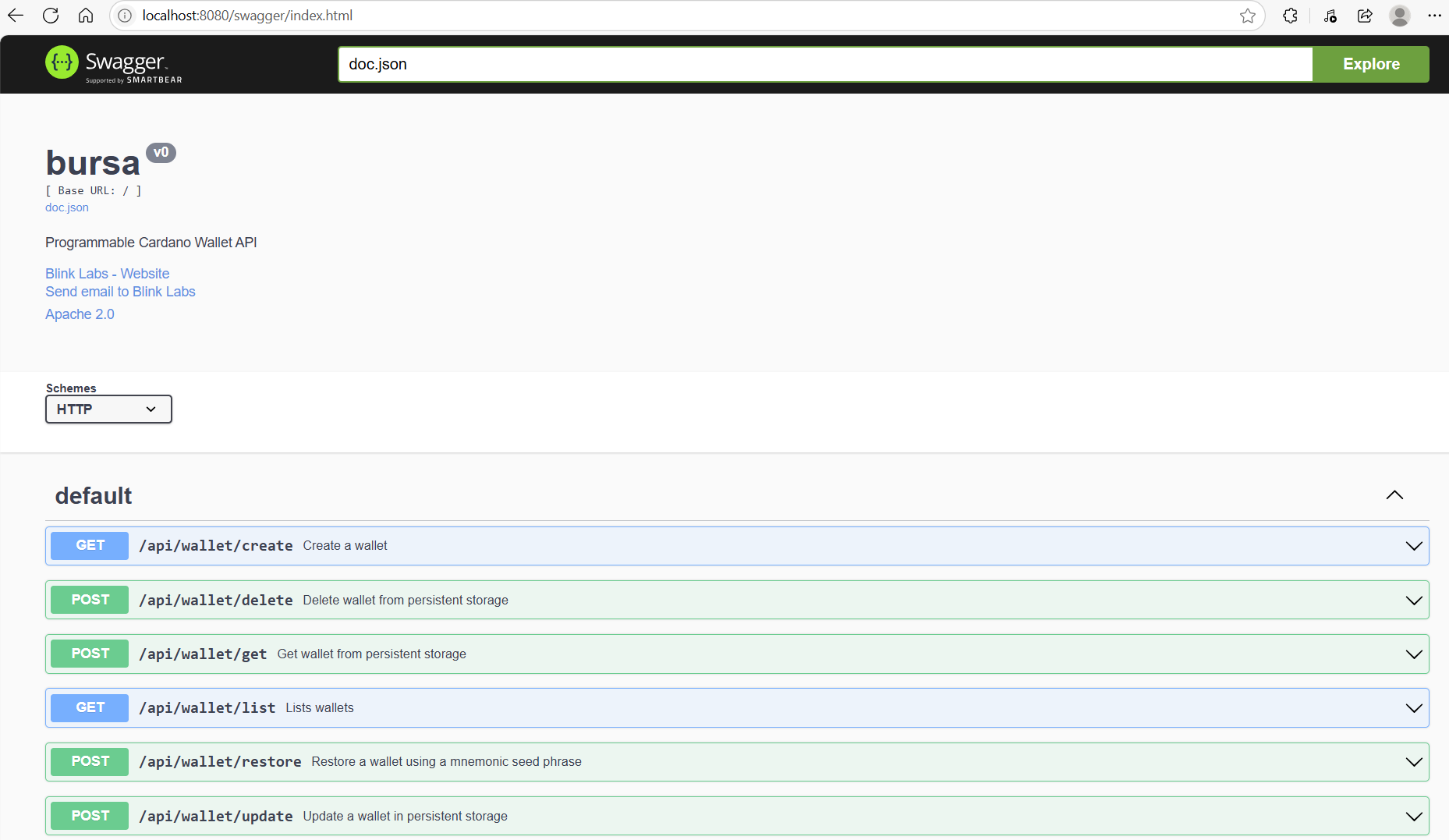
For non-loopback listeners, use the configuration reference to configure TLS and exactly one bearer authentication trust source.
Use Command Line to Start KES Agent
Section titled “Use Command Line to Start KES Agent”Start the KES agent daemon for a Cardano block producer with a YAML configuration file:
./bursa kes-agent --config /path/to/kes-agent.yamlThe --config flag selects the YAML configuration file. When the flag is omitted, Bursa uses the BURSA_CONFIG environment variable. Configure the kes_agent.mode value as serve-key or sign. Use the configuration reference for the kes_agent YAML fields and environment variables, including the mode and required socket, key, and timing settings.
Explore other Bursa Commands
Bursa Command Categories
- wallet - Commands for generating wallet and the files needed to manage a Cardano wallet
- api - Commands for running API
- kes-agent - Commands for running the KES agent daemon for a Cardano block producer
- cert - Commands for generating various Cardano certificates
- hash - Commands for generating cryptographic hashes used in Cardano
- script - Commands for multi-signature operations
- address - Commands for working with Cardano addresses
- key - Commands for deriving individual keys from a mnemonic

Docs authored by Doc Holiday